
All guides
Get started
Build your menu
Tables and QR codes
Your guests
When something's off
Your venue's settings
Name, logo, languages, address, opening hours, Wi-Fi and the questions guests ask: everything guests see about your venue, and where it shows on your menu.
Updated November 11, 2026
A venue’s settings hold everything guests see about your place, apart from the dishes. Open the venue, then Settings in the side menu. Each section saves on its own.
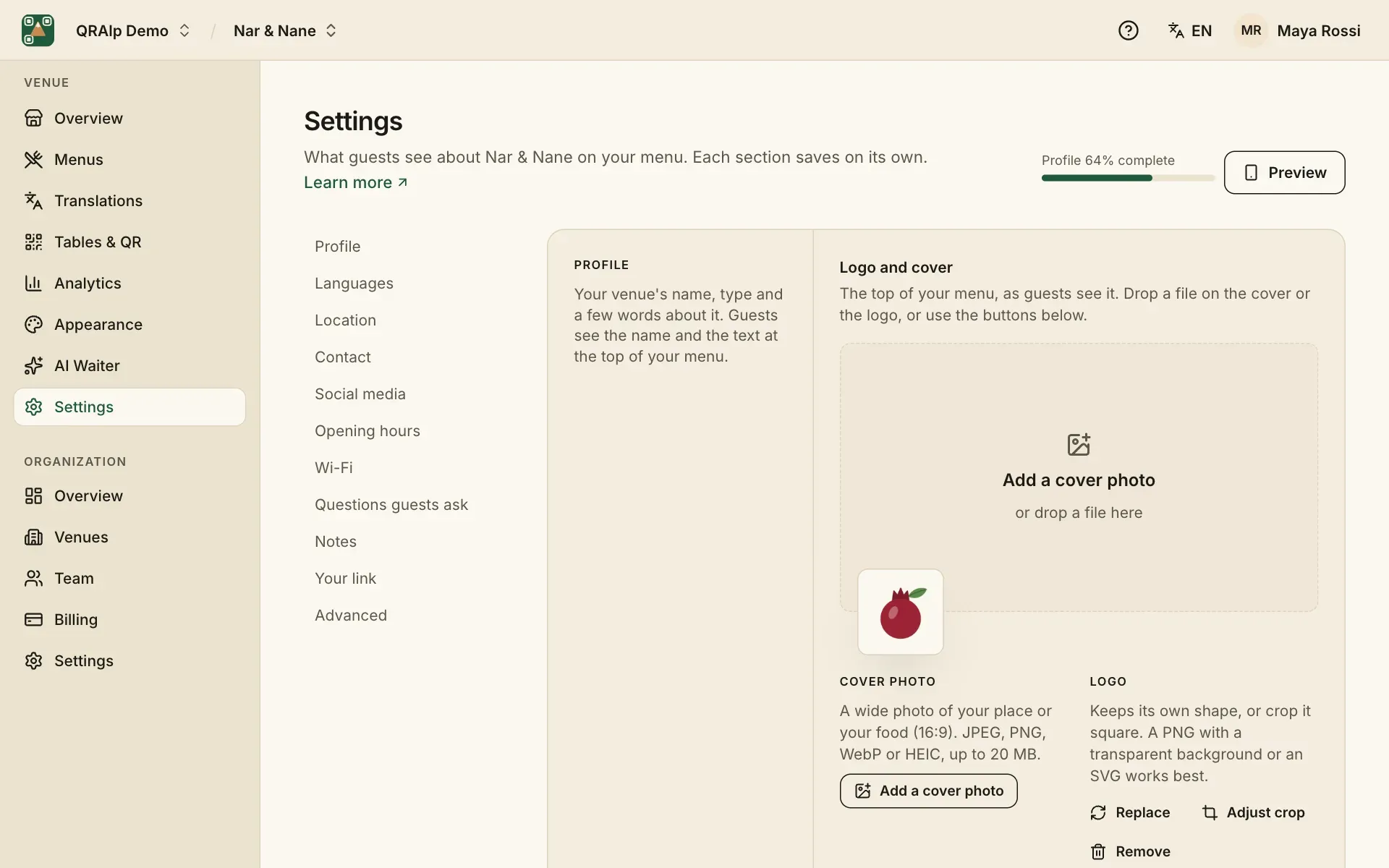
Profile, logo and cover
The venue’s name and the few words under it are the first thing guests read. Add a cover photo of your place or your food (a wide 16:9 picture) and your logo. A PNG with a transparent background or an SVG works best for the logo.
The logo also appears on your QR codes and printed table tents, if you choose.
Languages
Menu language is the language you write your menu in. Under More languages, add every language your guests read, from up to 80. Guests can then switch language on your menu, and their phone’s language is offered first.
Adding a language doesn’t translate anything by itself: do that on the Translations page.
Location and contact
With your address and a Google Maps link, guests get a “Get directions” button. Phone, WhatsApp, email and website each become a button on your menu. Social media takes a handle like @yourvenue or a full link.
Opening hours
Guests see whether you’re open now and when you close, in your venue’s time zone. Under Special days, add holidays and events with different hours, or days you’re closed.
Wi-Fi, questions and notes
- Wi-Fi: guests copy the password from your menu instead of asking for it. Leave the password empty for an open network.
- Questions guests ask: short answers at the bottom of your menu, like parking, reservations or vegan options.
- Notes: small print, like “All prices include VAT”, a service charge, or your own allergen note.
Your link
Your menu lives at your own address, like yourcafe.qralp.com. You can change it: the old link keeps working and sends guests to the new one, so QR codes you already printed still work.
Advanced
Set your time zone (used for opening hours and your statistics) and the currency for new menus. Each menu keeps its own currency.