
All guides
Get started
Build your menu
Tables and QR codes
Your guests
When something's off
What guests see
What happens when a guest scans your code: your menu in their language, dishes with photos and allergens, filters, My list to show the waiter, and the AI Assistant.
Updated November 11, 2026
Guests scan your QR code with their phone camera and your menu opens at once, in their browser. There’s no app to install and nothing to sign up for.
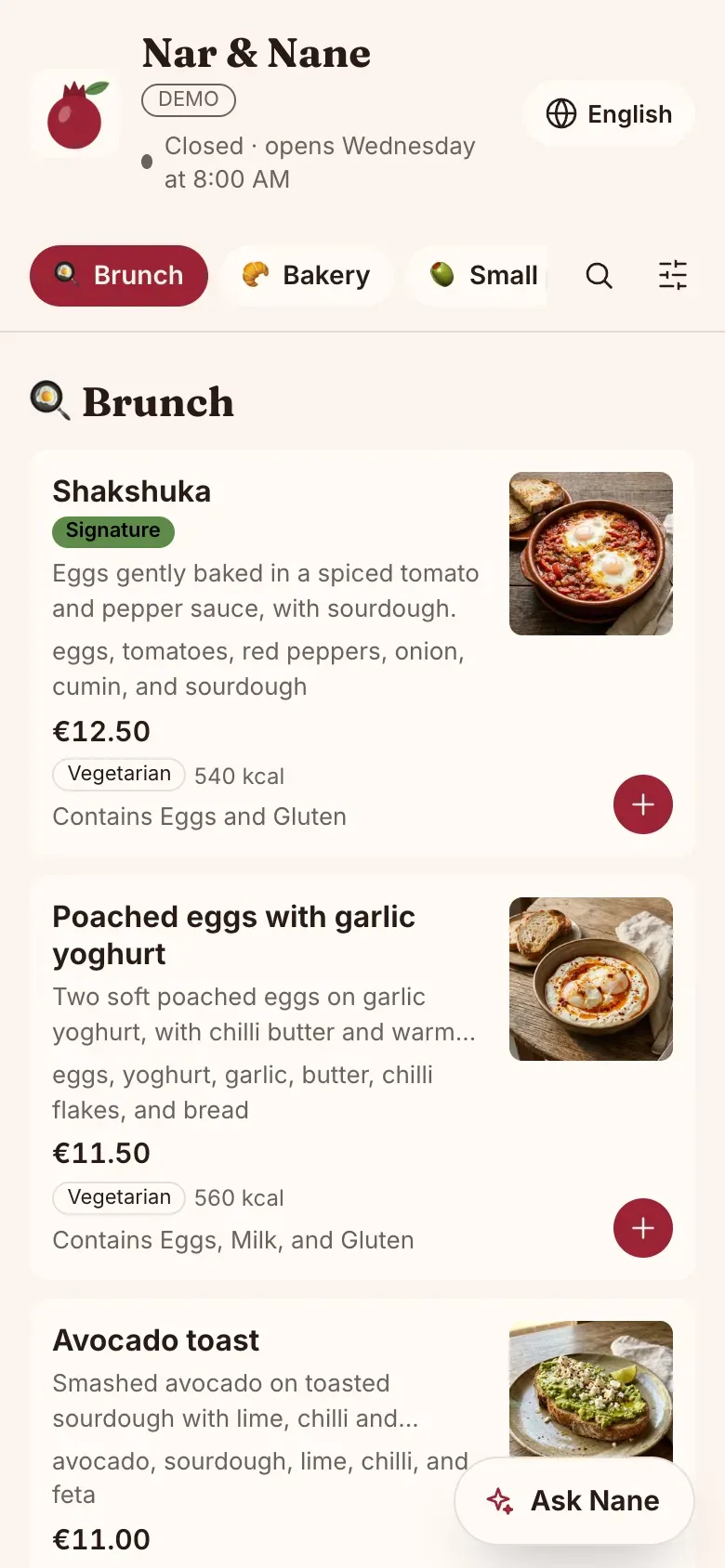
Your menu in their language
When your menu is in more than one language, guests see it in their phone’s language, or are offered it. They can switch language at any time. Where a translation is missing, they see your original text.
Dishes, allergens and filters
Guests scroll your categories or jump to one. A tap on a dish opens it: the photo, description, ingredients, sizes and prices, allergens, dietary labels and calories.
On long menus, they can search, and filter by allergens and diet, such as “without gluten” or “only vegan”. A note reminds guests with allergies to tell your staff.
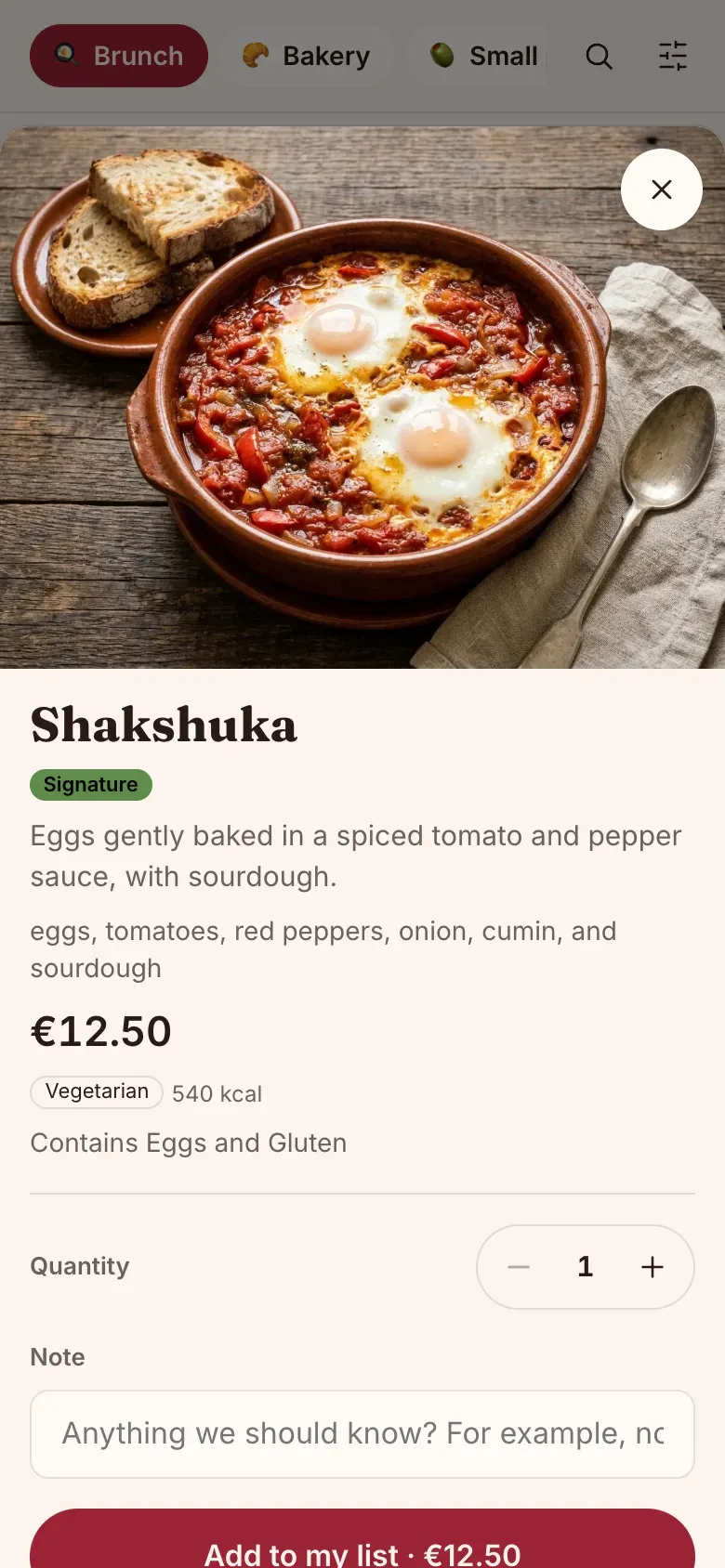
My list
Guests add dishes to My list as they choose, with sizes and a note, and see a running total. When they’re ready, they tap “Show to waiter” and hand over the phone. With a table’s code, the list shows their table.
There’s no ordering or payment on the phone: your staff take the order as usual.
Your details
At the bottom: whether you’re open now, your hours, address with directions, phone and WhatsApp buttons, Wi-Fi they can copy, and your answers to common questions.
The AI Assistant
When you switch it on, guests tap “Ask a question” and chat about your menu in their own language: “Is the falafel vegan?”, “What goes with the octopus?”. See the AI Waiter.